For quizmasters with a Mac

Run the whole quiz night from one laptop

Projector, TVs and speakers from one app. Build your quiz once and play it with a few keys.
Download for Mac
  • For macOS
  • Works offline
  • One folder per quiz
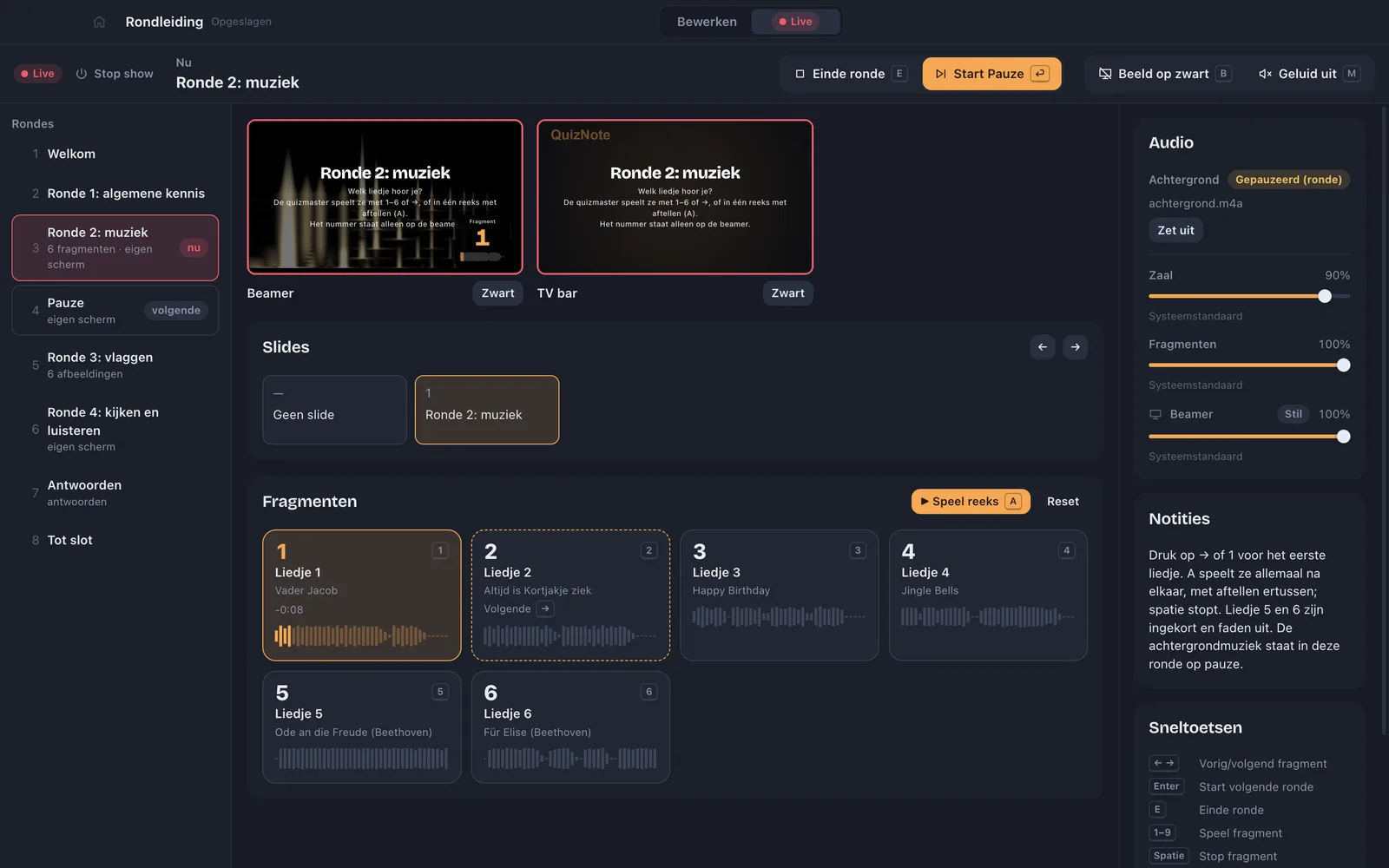
QuizNote during the show: the music round is on, with previews of the projector and the TV, the clips and the mixer.
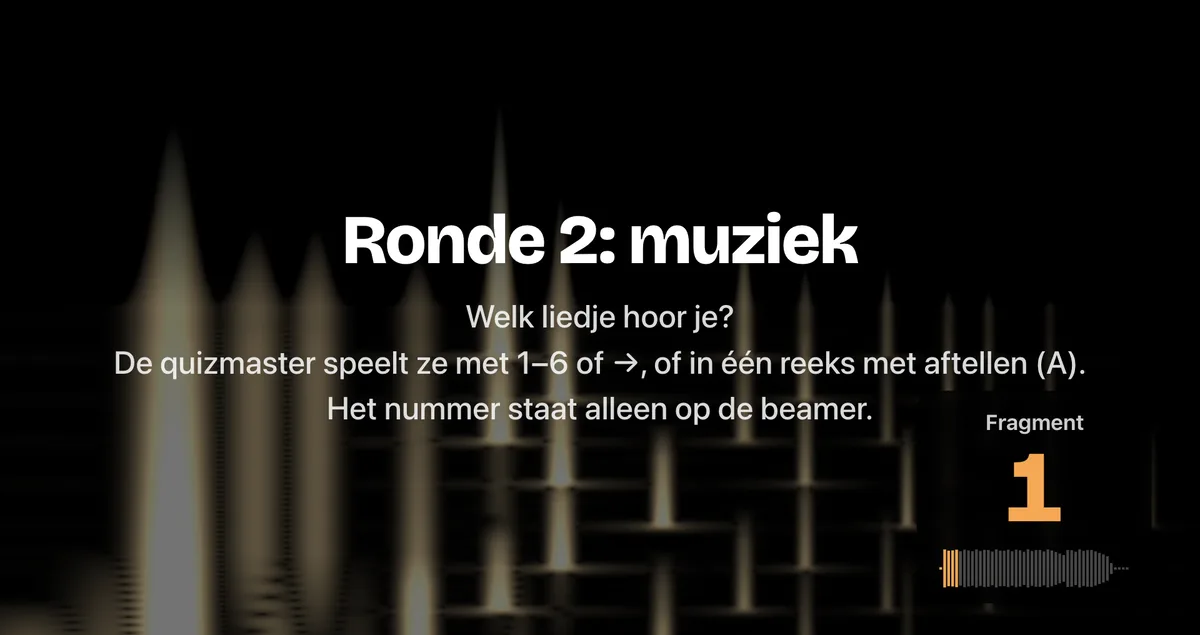
On the projector: the title slide of round 2, music, with the number of the first clip.
On the projector

One laptop, the whole room

Screens

Every projector and TV its own picture.

Sound

Music for the room, clips on their own speaker.

You

Everything in one view, with a few keys.

With your AI

Let your AI make the quiz

Make a pub quiz about Italy, with a music round and a flags round.

The quiz then appears in QuizNote, with questions and answers. Works with Claude Desktop and other AI apps that support MCP. Songs and photos come from your own folders.
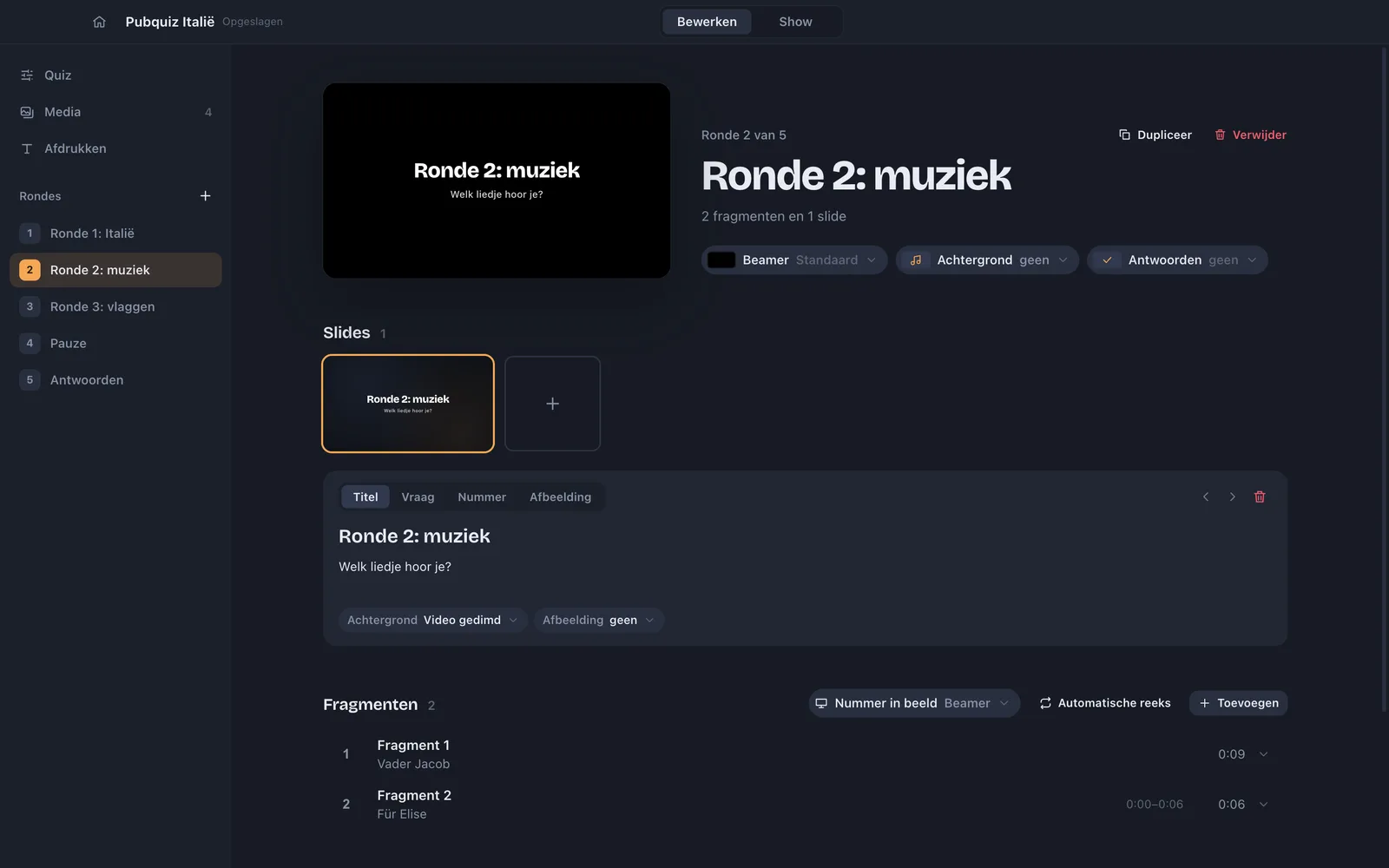
A quiz about Italy made by an AI, in the QuizNote editor: five rounds, including music and flags.

Rounds

Questions, music, pictures and answers

Questions and slides

A question, a picture or just the number on screen.
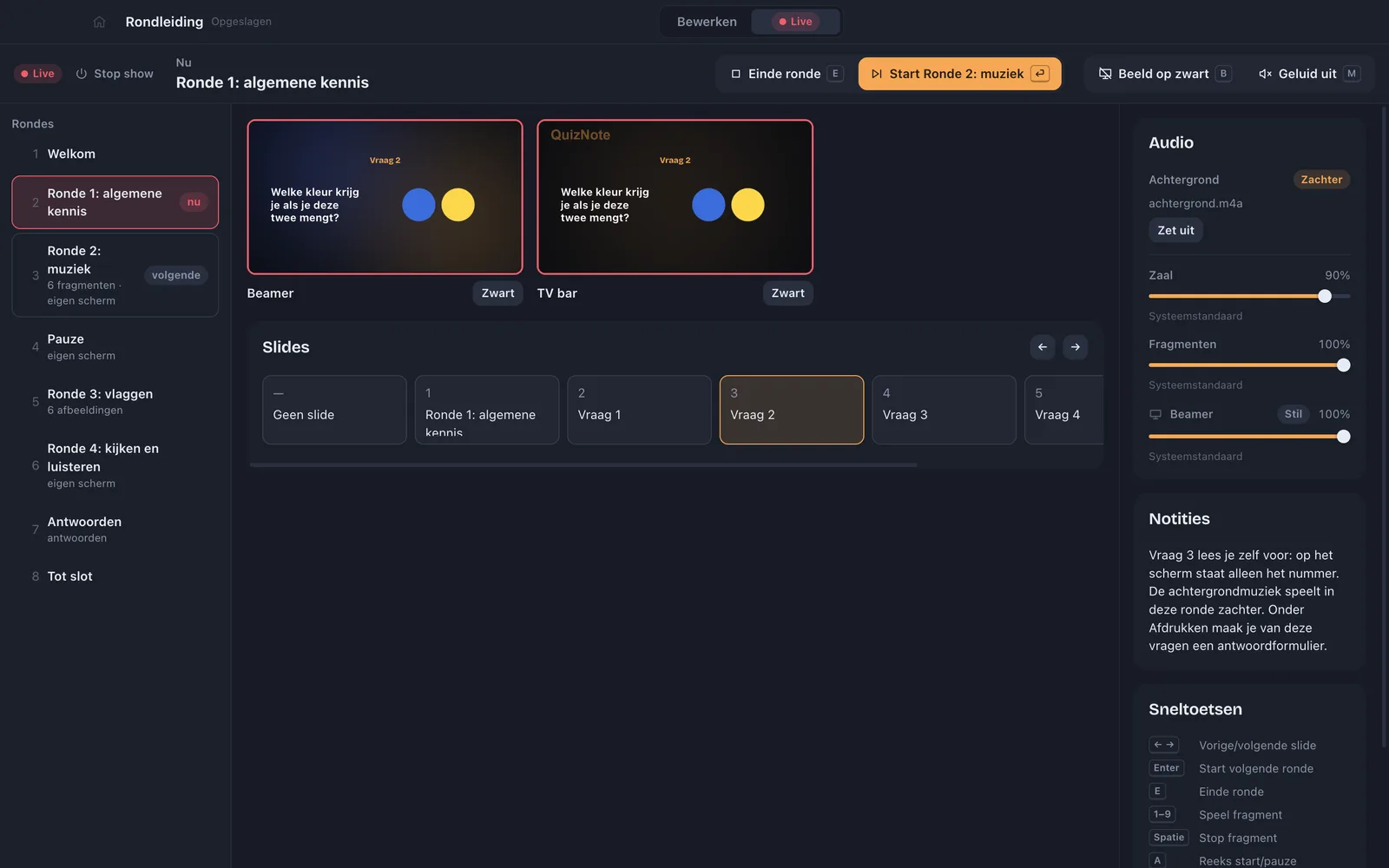
A question round during the show: question 2 is on the projector and the TV, the slides are below.
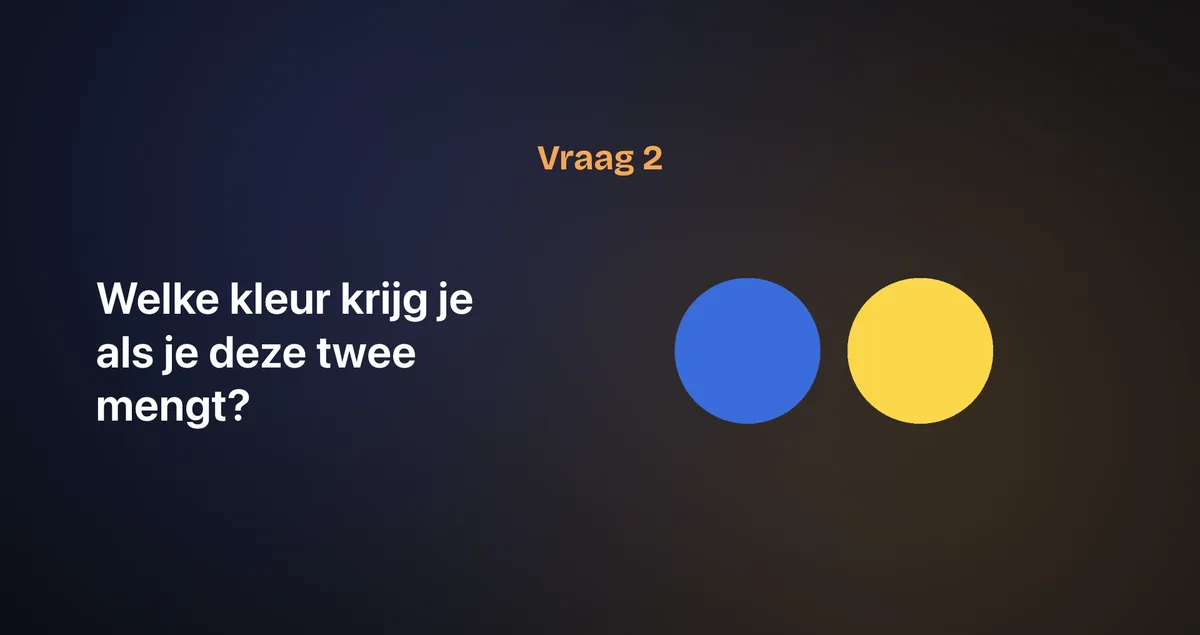
On the projector: question 2, which colour do you get when you mix blue and yellow?
On the projector

Music round

Clips on the keys 1 to 9, or one after another.
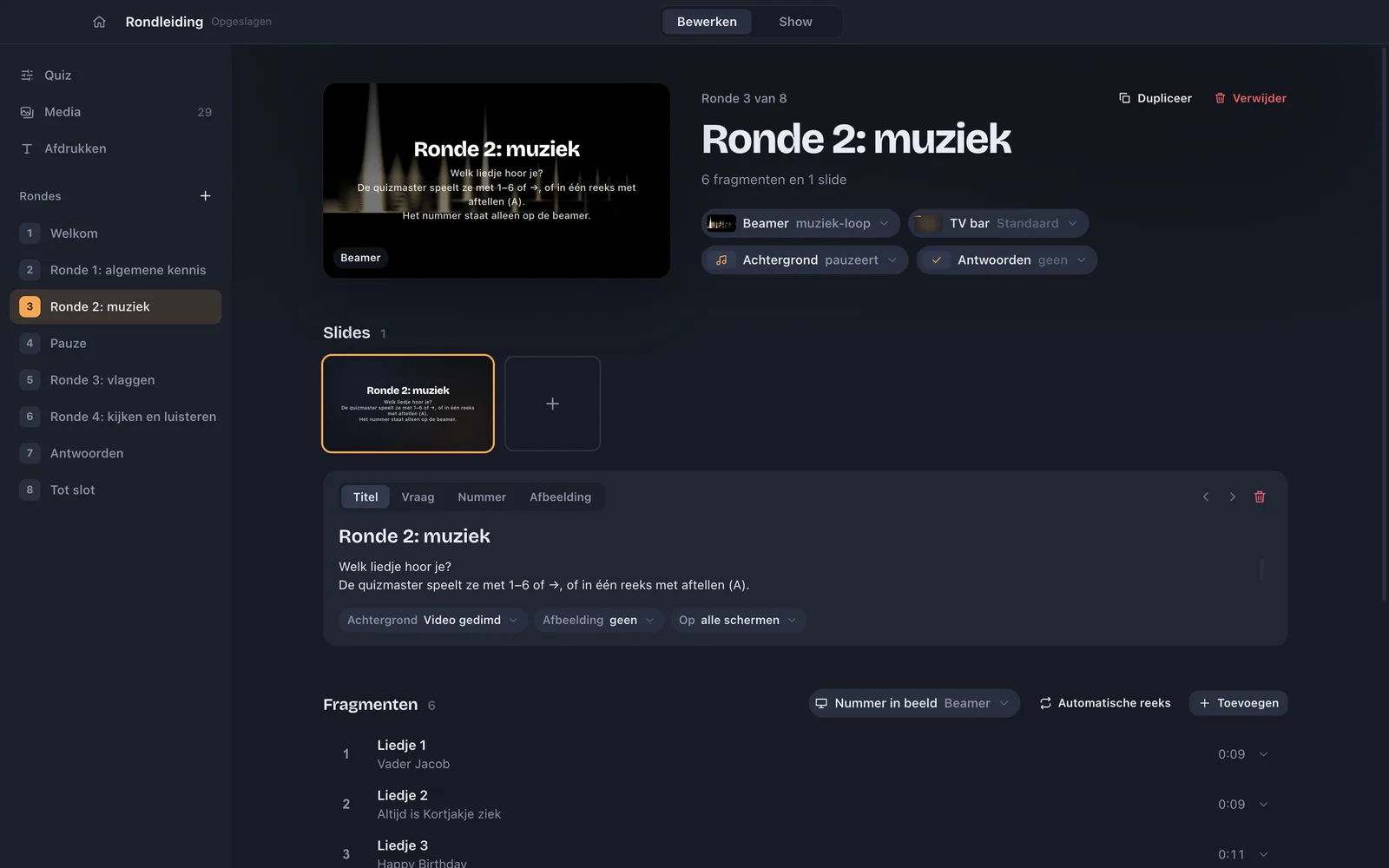
The music round in the editor: the title slide, the screens and the clips with their length.

Picture round

A whole folder of photos at once, numbered on screen.
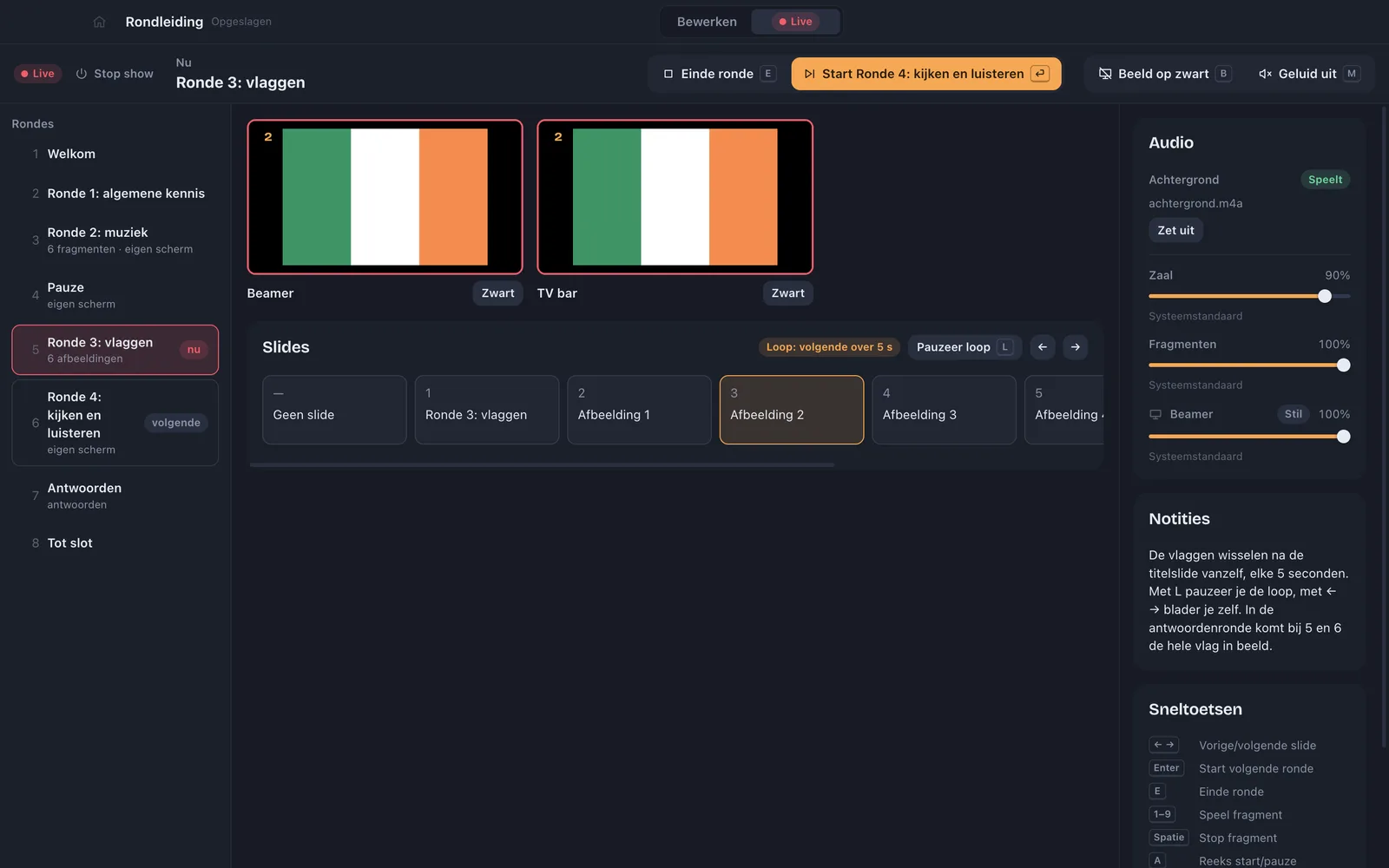
A picture round with flags: the projector and the TV show the same numbered flag.

Answers

First the question, then the answer, big on screen.
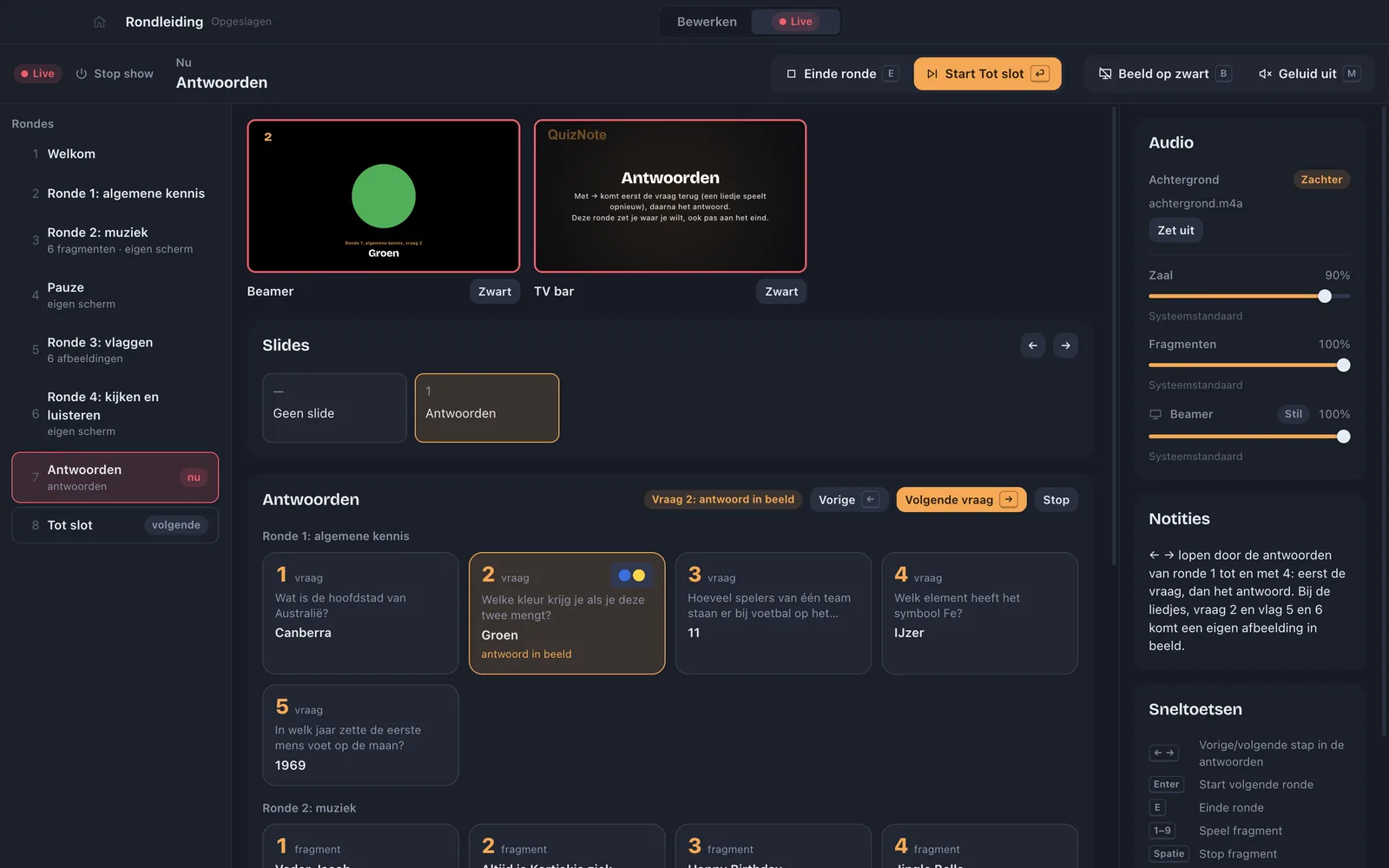
The answer round during the show, with the question and the answer for each item.
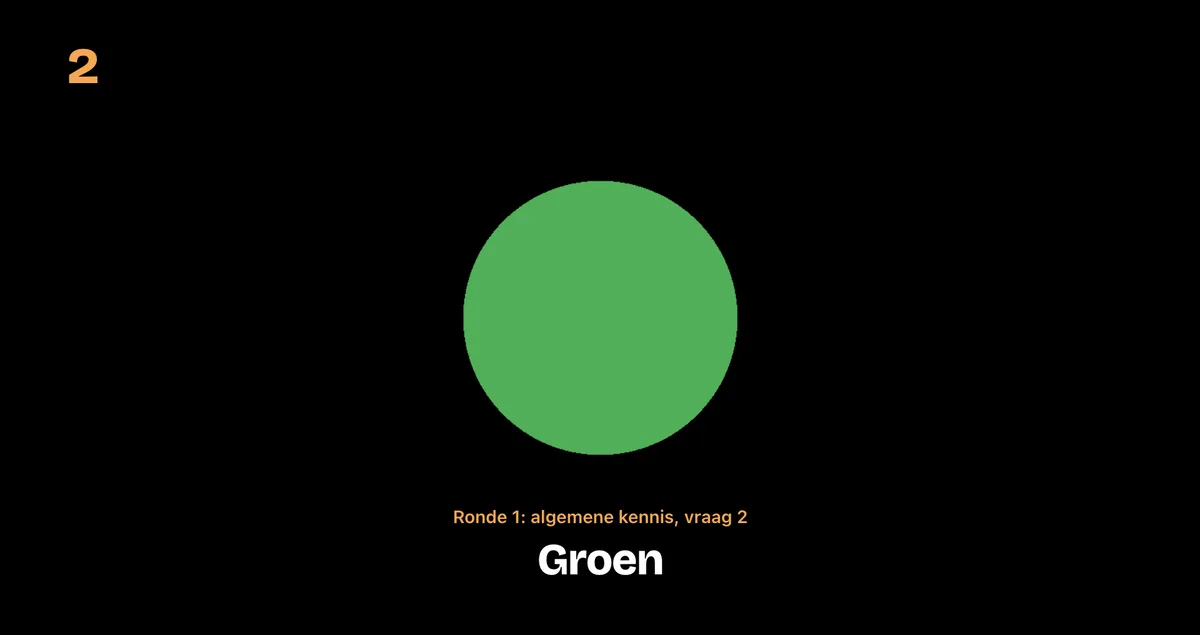
On the projector: the answer to question 2, green.
On the projector

During the show

A few keys, all night

Works with a presenter clicker too.

Enter
Next round
E
End the round
←→
Back, forward
1–9
Play a clip
Space
Stop the clip
A
Start the sequence
B
Screens to black
M
Sound off

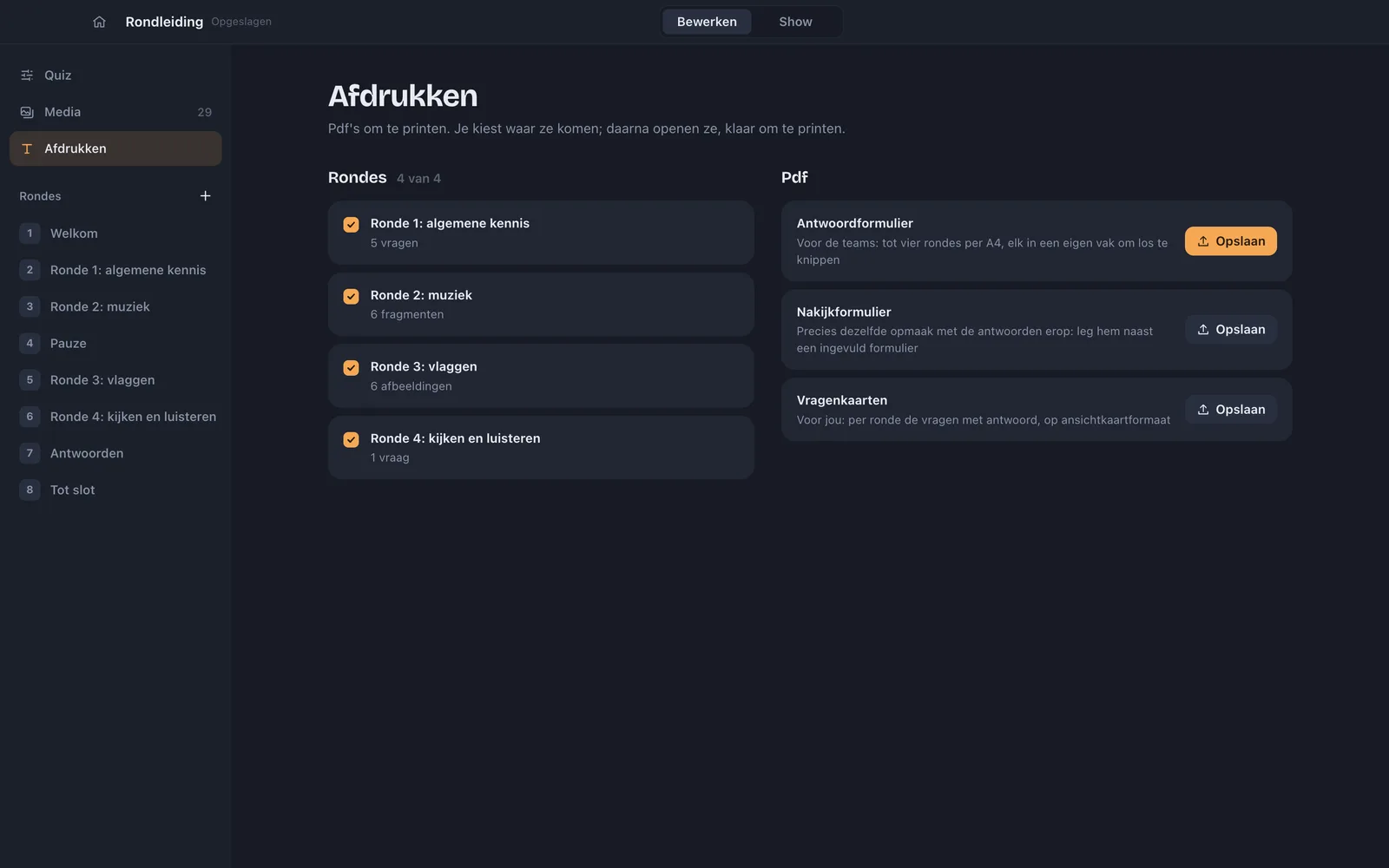
Printing

Answer sheet
For the teams.
Marking sheet
With the answers on it.
Question cards
For you, postcard size.
The print screen: choose the rounds and make an answer sheet, a marking sheet or question cards.

Download

QuizNote for your Mac

Version 0.1.0, for Macs with Apple Silicon. The app is in Dutch.

The download link is coming.

Opening it the first time

  1. Drag QuizNote to Applications.
  2. macOS blocks it the first time: it isn't signed by Apple yet.
  3. In System Settings › Privacy & Security, click "Open Anyway".
  4. Start with the tour on the dashboard.